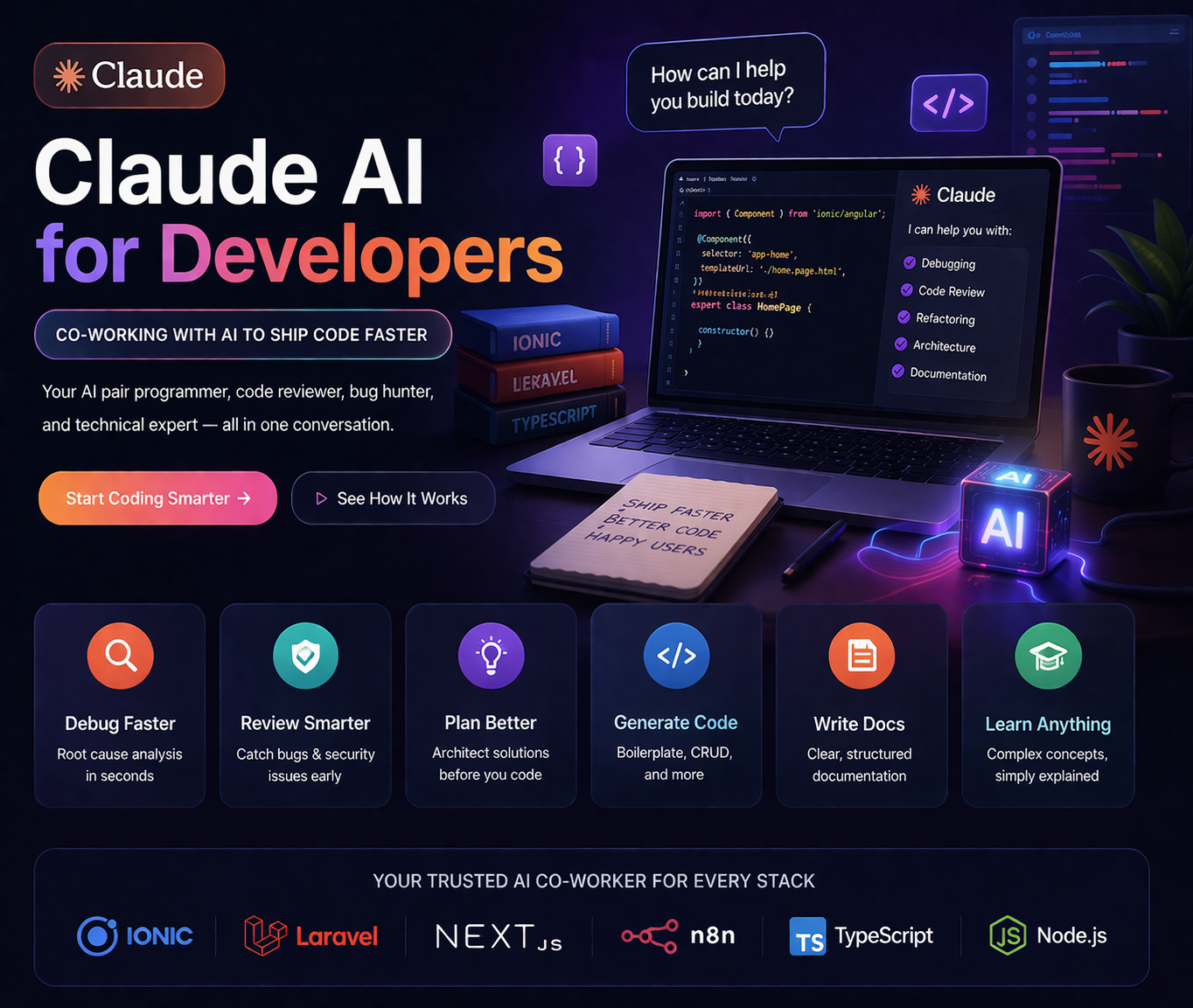
I've been using Claude AI as a daily co-worker for over two years. Not occasionally, not for demos — every single working day, across Ionic apps, Laravel APIs, Next.js sites, n8n automations, and this very website. It has fundamentally changed how I work, not by replacing my thinking but by amplifying it.
This article is not a product review. It's an honest account of the specific workflows, prompts, and mental models I've developed for working with Claude effectively. The difference between developers who get 10x value from AI and those who don't is almost never the tool — it's the workflow.
The 6 Developer Workflows Where Claude Genuinely Saves Hours
🔍 1. Debugging & Root Cause Analysis
Paste the error, the stack trace, and the relevant code. Claude almost always identifies the root cause within the first response — often faster than Stack Overflow and with a more precise fix than generic documentation.
[paste full error + stack trace]
Here's the relevant component code:
[paste code]
And here's the service it calls:
[paste service]
What is the root cause and what's the fix?
The key is pasting all relevant context — not just the error message. Claude's accuracy increases dramatically when it can see the full picture.
📄 2. Code Review & Refactoring
Before committing code, I paste the diff or the key functions and ask Claude to review for bugs, security issues, and improvements. It catches things I miss after hours of staring at the same code.
1. Security vulnerabilities (SQL injection, auth bypass, mass assignment)
2. Logic errors or edge cases I've missed
3. Performance issues
4. Anything that would fail in production
[paste controller code]
Be direct — I want problems flagged, not compliments.
💡 3. Architecture Planning Before Writing Code
When starting a new feature, I describe the requirement and ask Claude to suggest the architecture before I touch the keyboard. This prevents the most expensive mistakes — architectural ones that require rewrites later.
The backend is Laravel. Currently orders are stored in MySQL.
Drivers update their location every 30 seconds.
Customers need to see driver location update live on a map.
What is the cleanest architecture for this? Consider:
- WebSockets vs polling vs SSE
- Battery impact on the driver's device
- Scaling to 500 concurrent tracked orders
Give me pros/cons of each approach before recommending one.
🔧 4. Boilerplate & Repetitive Code Generation
CRUD controllers, TypeScript interfaces from JSON responses, Angular services, migration files, test factories — anything structural and repetitive. I describe the pattern once and Claude generates it to match my codebase conventions.
id, name, description, price (decimal), category_id, is_active (boolean), created_at
Follow these conventions:
- Use Form Request classes for validation
- Return API resources (not raw models)
- Use $this->authorize() for policy checks
- Return consistent JSON: {success, data, message}
Also generate the ProductRequest, ProductResource, and Product policy.
📝 5. Technical Documentation
I paste a function or API endpoint and ask Claude to write the documentation. The output is consistently better than what I'd write myself after a long coding session, and it takes 30 seconds instead of 20 minutes.
Include: description, request body schema, response schemas (200, 401, 422, 500),
and a curl example.
[paste route + controller method]
🤖 6. Learning & Concept Explanation
When I encounter an unfamiliar concept, library, or approach in code I'm reading, I ask Claude to explain it in the context of what I already know. The "explain it in terms of X which I already understand" pattern is extremely effective.
I understand Angular services and regular Observables well.
Use practical examples — when would I actually choose each one
in an Ionic app with shared state?
The Prompting Principles That Actually Matter
Give context, not just a question
The single biggest factor in response quality is how much context you provide. State your stack, your constraints, your existing code, and what you've already tried. Claude's quality scales almost linearly with the quality of the context you give it.
Ask for reasoning, not just answers
Add "explain your reasoning" or "what are the trade-offs" to architecture questions. The explanation is often more valuable than the answer because it helps you evaluate whether the suggestion is right for your specific situation.
Be direct about what you want
Claude will naturally soften criticism and add caveats. If you want brutal honesty in a code review, say so explicitly: "Be direct. Flag every problem you see, including minor ones. Don't compliment what works."
Iterate in the same session
Claude has a context window — it remembers everything earlier in the conversation. Build on previous responses rather than starting a new chat. Corrections and refinements work best when Claude has the full history of the session.
Verify anything critical
Claude is confident even when wrong. For security-critical code, unusual edge cases, and library-specific syntax — always verify against the official documentation. Use Claude to get to the right direction fast, then verify the final implementation independently.
What Claude Is Not Good At (Be Realistic)
- Very recent library versions: Knowledge cutoff means it may suggest outdated APIs for fast-moving libraries
- Your specific production context: It cannot read your logs, your database, or your actual running app without explicit tooling
- Long multi-file refactors without Claude Code: Paste-based Claude loses track of cross-file dependencies in large codebases
- Business logic decisions: It can present options but cannot decide what's right for your users, your team, or your constraints
- Debugging flaky tests: Intermittent failures that depend on timing, environment, or external services are hard for it to diagnose without actual log data
Setting Up Claude for Developer Work
Use Projects (Claude.ai)
Claude Projects lets you set persistent instructions and upload reference files. I maintain a project for each active client with their tech stack, coding conventions, and architectural decisions uploaded as context. This means every session starts with Claude already understanding the codebase conventions without re-explaining them.
Claude Code for the Real Heavy Lifting
For actual codebase work — reading files, making edits, running tests — Claude Code (the CLI) is the right tool. It operates directly on your repository, can run commands, and understands the full file structure. See our Claude Code guide for a full breakdown.
API for Automation
For repetitive tasks that don't require conversation — batch code review, automated documentation generation, schema validation — the Claude API lets you integrate Claude directly into your build pipeline or n8n workflows.
Need AI Automation Built Into Your Workflow?
I build Claude API integrations, n8n automation workflows, and AI-powered web apps. Free 30-minute consultation.
Get Free Consultation →
Anju Batta
Senior Full Stack Developer & AI Automation Architect. I use Claude AI daily across Ionic, Laravel, Next.js, and n8n projects. Based in Chandigarh, India — available for global projects.
Read Next: Claude Code CLI Guide →